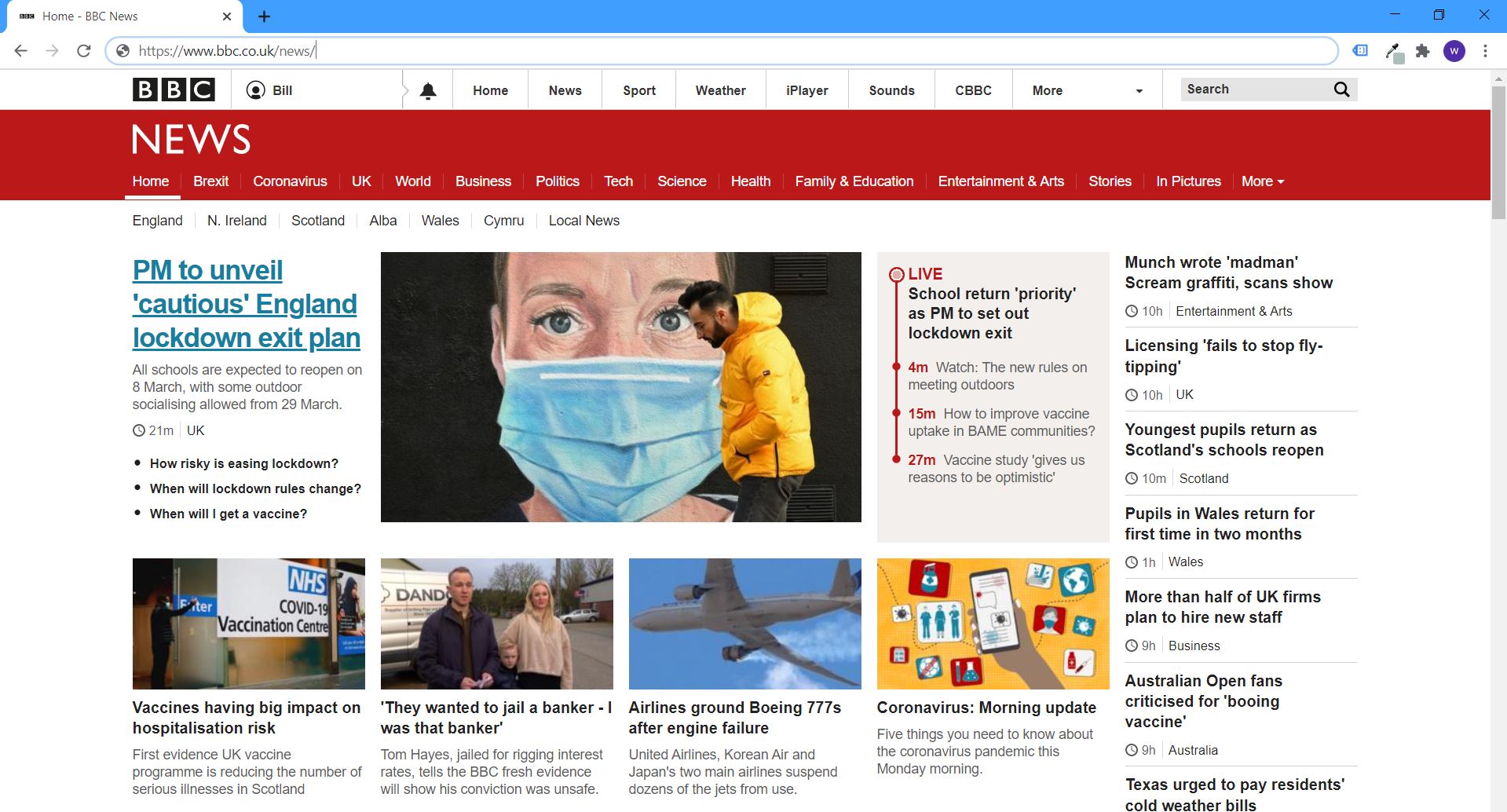
You know how some website addresses start with http://, and others with https://?
Can you see the extra “s” – just above the BBC logo ? But why is it there and what does it stand for?
In brief, that little “s” means your connection to that website is securely encrypted. Any information or personal data you type in is safely transferred and stored with the website you’re using. The technology backing that little “s” is called SSL. This stands for “Secure Sockets Layer.”

As an internet user, you always – ALWAYS – want to see https:// when using any website requiring your private data. As a website owner, you’ll want to make sure you have an SSL certificate in place for your site visitors.
Let’s get down to the nitty gritty.
What are SSL certificates?
SSL’s are tiny data files that create a secure link between a browser and a web server. This means all data exchanged remains private.

When you’re using a page with no SSL where there’s a form to fill in and submit – for example, when you register to claim an offer with your email address – you are risking your personal information getting detected and misused by a hacker.
On the other hand, when you visit a website that’s encrypted with SSL, your browser is able to establish a secure connection with the page you’re using, to ensure only you and the website can see the information you enter.
Just how DO you get an SSL certificate?
The first thing you need to do is to find out what type of certificate you need.

Most of the time, a standard certificate will cover your website’s content. But in case of businesses in a regulated industry — like insurance or financial services — we recommend talking with a professional web designer, to ensure you can satisfy the specific SSL certificate requirements that are essential for your industry.
When it comes to the cost of SSL certificates, you also have multiple options. You can apply for a free certificate or opt for a pay-per-month custom certificate. Either way, we would strongly recommend that you consult with an expert regarding the technical setup of your website. Also, bear in mind that free certificates tend to expire every 90 days as the norm.
Another important thing to note: standard SSL certificates are available for up to two years, but if you’re looking for a longer-term solution, you’ll need to look into more specific SSL’s to cover all bases.
Does SSL affect Search Engine Optimisation (SEO)?
In short – absolutely. The main purpose of SSL is encrypting information between your website and the visitor. However, having certification in place can and does boost your SEO. In fact, Google’s search algorithm looks for SSL when ranking pages!

Here’s an example how: if two websites display almost identical blurb, but one has an SSL certificate and the other one doesn’t – the first website will receive a sweet boost from the ranking algorithm gods because it’s encrypted. So, there is definitely a clear SEO benefit to having an SSL-encrypted website.
How do you know if a website is SSL-encrypted?
Apart from using any free SSL checker tool (via Google), there are a few key features to look out for when browsing.
- The website’s address starts with “https://” As we mentioned earlier, an SSL-encrypted website will simply display that “s” in its address. The little “s” basically means “secure.” In addition, you’ll see a green icon in form of a tiny padlock in the address bar (see explanation below) – this icon might also stand right after some green text.
- You’ll see a padlock icon in the address bar.
Depending on your browser, the padlock will show up on the right or left side of the address bar. The padlock is clickable so you can find out more information about the website providing the SLL certificate.
- The certificate is in fact valid.
Even if a website has the “https://” and a green padlock, the certificate could well have expired — resulting in an unsecure connection. Double check by clicking on the padlock, to read the full information behind it.

So what do you need to do the next time you click on a web link or type in your browser’s address bar? Check its encryption status via that little padlock, and see if your data really is secure.
And, when it comes to your own business website, if it doesn’t have SSL-encryption in place, it really is worth sorting out asap, so you can protect your customers’ data and privacy.
Bill/Nathan/Zsike February 2021